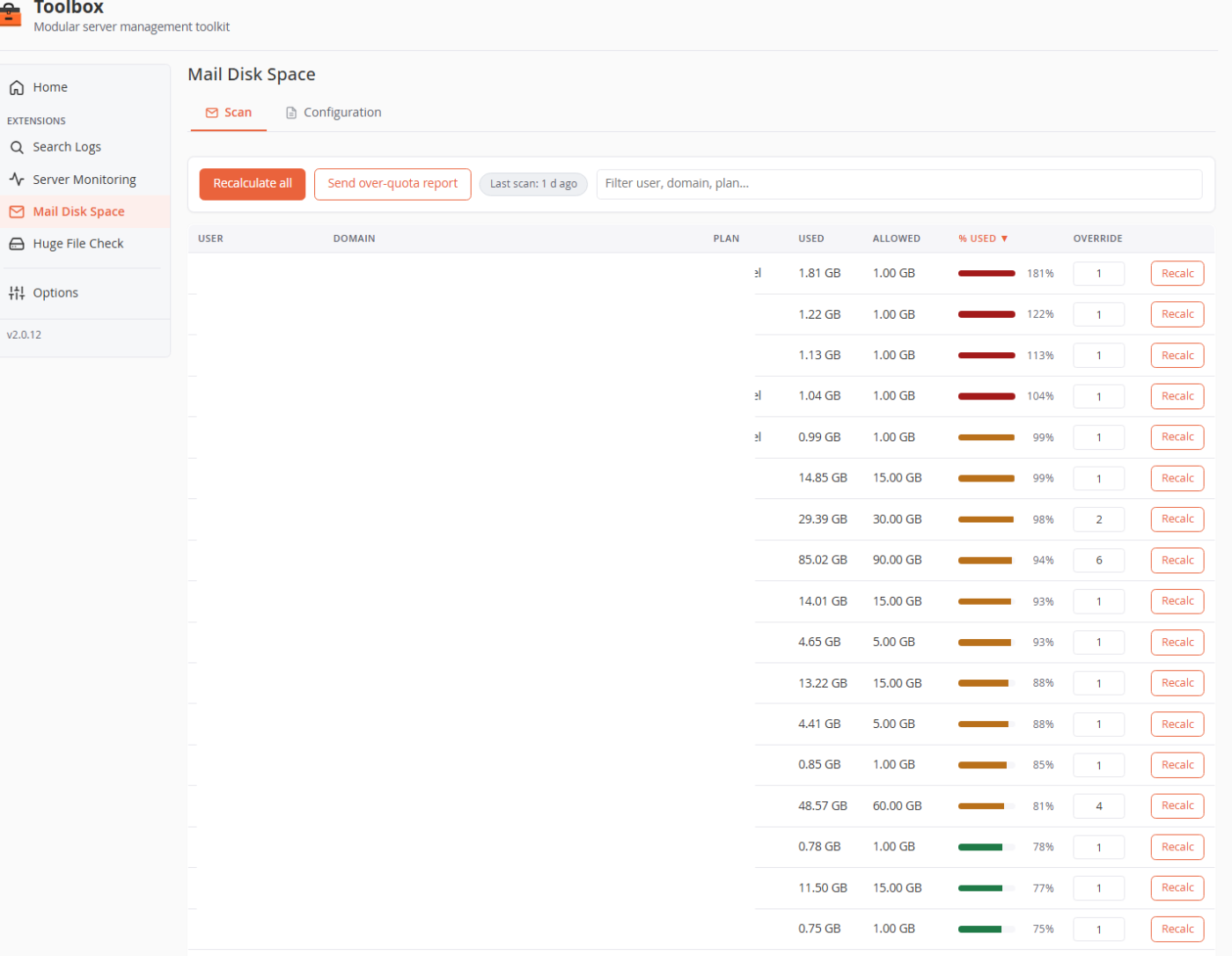
Measure each cPanel account's mailbox usage, compare it against a per-plan quota with optional per-account overrides, and report the accounts that go over — on screen, on the dashboard, and by email.
One sortable row per account shows mailbox size against its allowed quota, worst-first — with a per-account multiplier when a customer legitimately needs more.
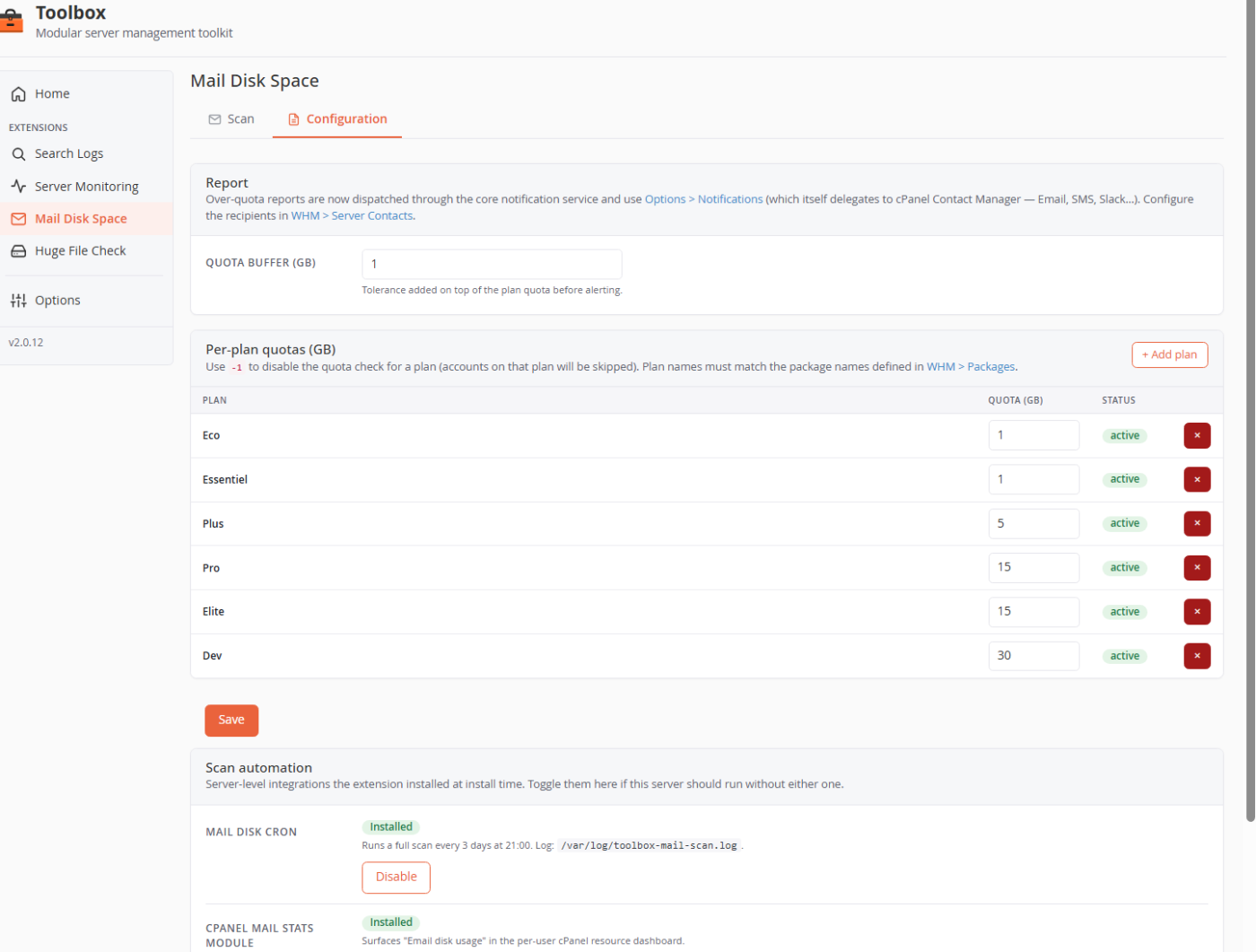
Set a quota per hosting plan, add a tolerance buffer, and let the cron mail you an over-quota report every few days — or surface usage right inside each user's cPanel.
Per hosting plan, in GB — the plan names must match your WHM package names. An optional per-account multiplier handles the exceptions, and a buffer adds tolerance before an account is flagged.
A cron runs a full scan every 3 days and emails the report only if at least one account is over its quota plus buffer. You can also send the current report on demand.
Optionally, yes. A cPanel resource hook can surface an "Email disk usage" figure in each user's cPanel dashboard, fed by the same scan.
A full rescan uses du across mail directories and can take a few minutes on busy servers, so it's serialized by a lock and normally runs off-hours on the cron.
Enable Mail Disk Space and a free trial starts on its own — no key, no credit card.