WSA caches your pages for speed — these companion tools make sure the right pages clear the moment your content changes.
Drop the plugin on a WordPress site and WSA's cache clears automatically whenever content changes — a post or page published or updated, a new comment, a theme tweak. Your clients never serve a stale page, and never touch a setting.
A small, framework-agnostic PHP class you can drop into any project to purge WSA's cache programmatically — after a deploy, a CMS save, or any custom event.
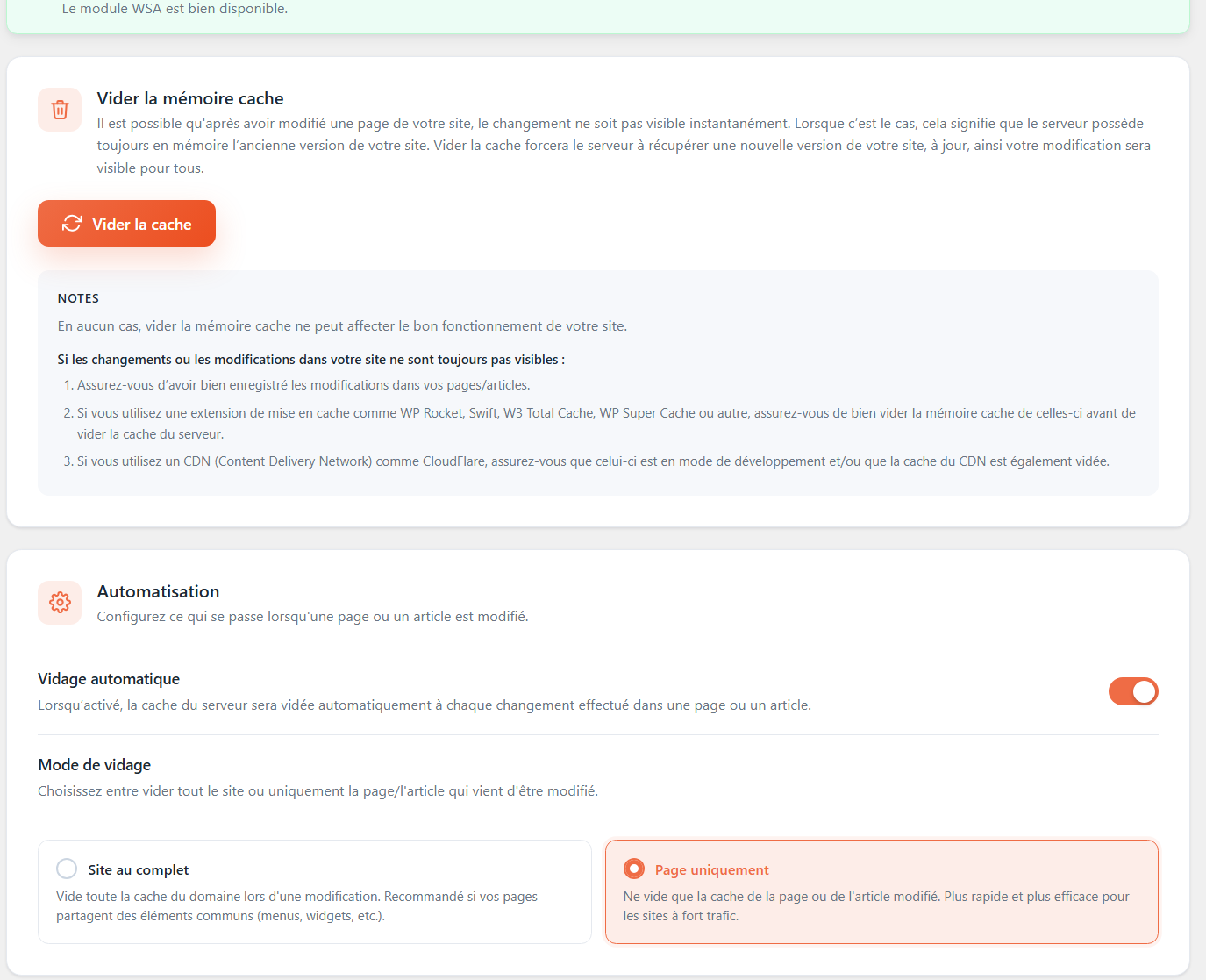
It hooks into WordPress events and clears WSA's server cache automatically whenever content changes — there's nothing to configure.
Publishing or updating a post or page, new approved comments, and theme or content changes all trigger a targeted purge.
Yes. The framework-agnostic PHP class lets you purge after a deploy, a CMS save, or any custom event in any PHP project.
You can clear a single URL, every page on one domain, or the whole server cache — pick the narrowest scope that fits the change.
Yes. Any system that can run PHP or call the CLI can trigger a purge through the same mechanism the WordPress plugin uses.
Install WSA and the free trial starts on its own.